

Instructies voor het TSA-slot van de koffer
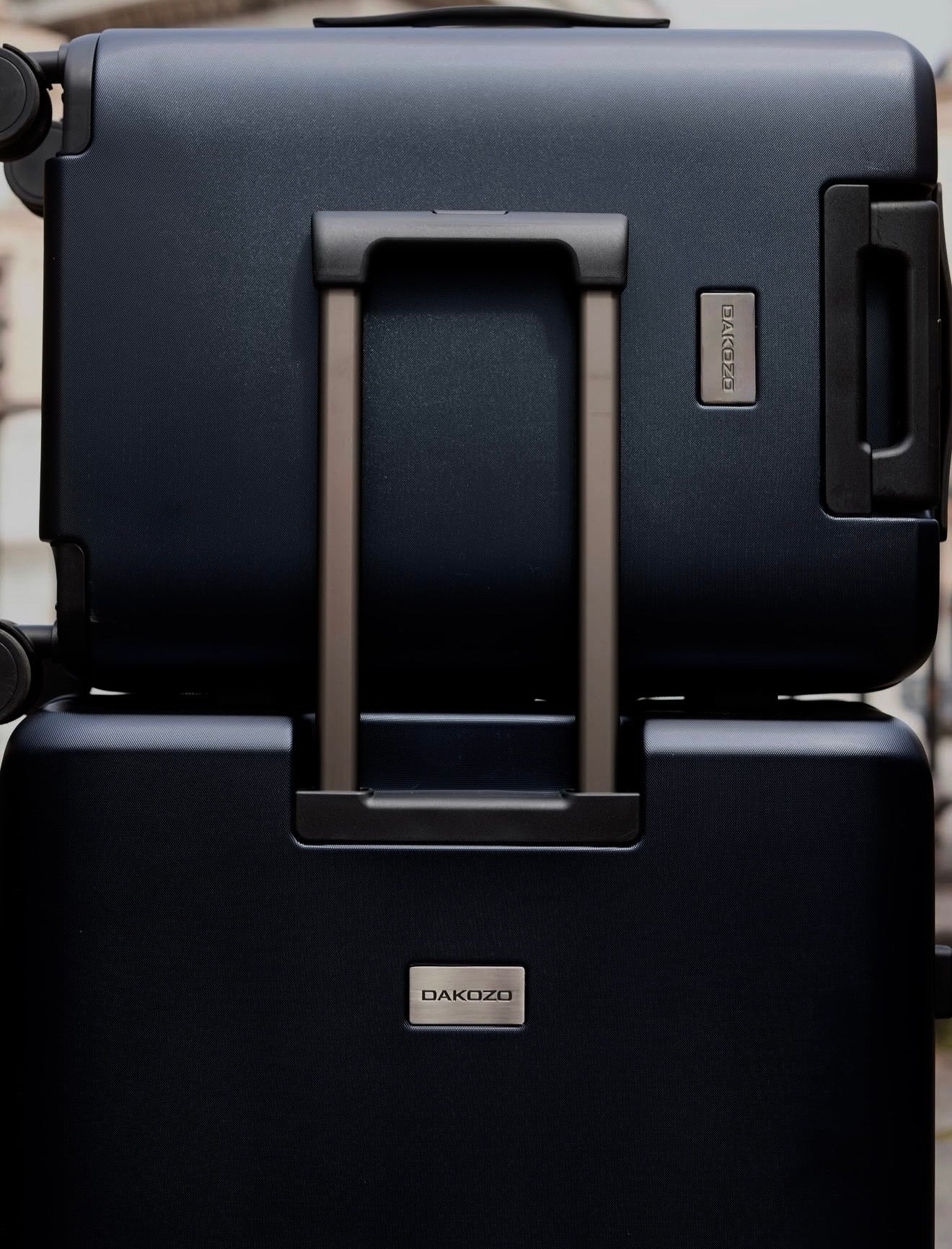
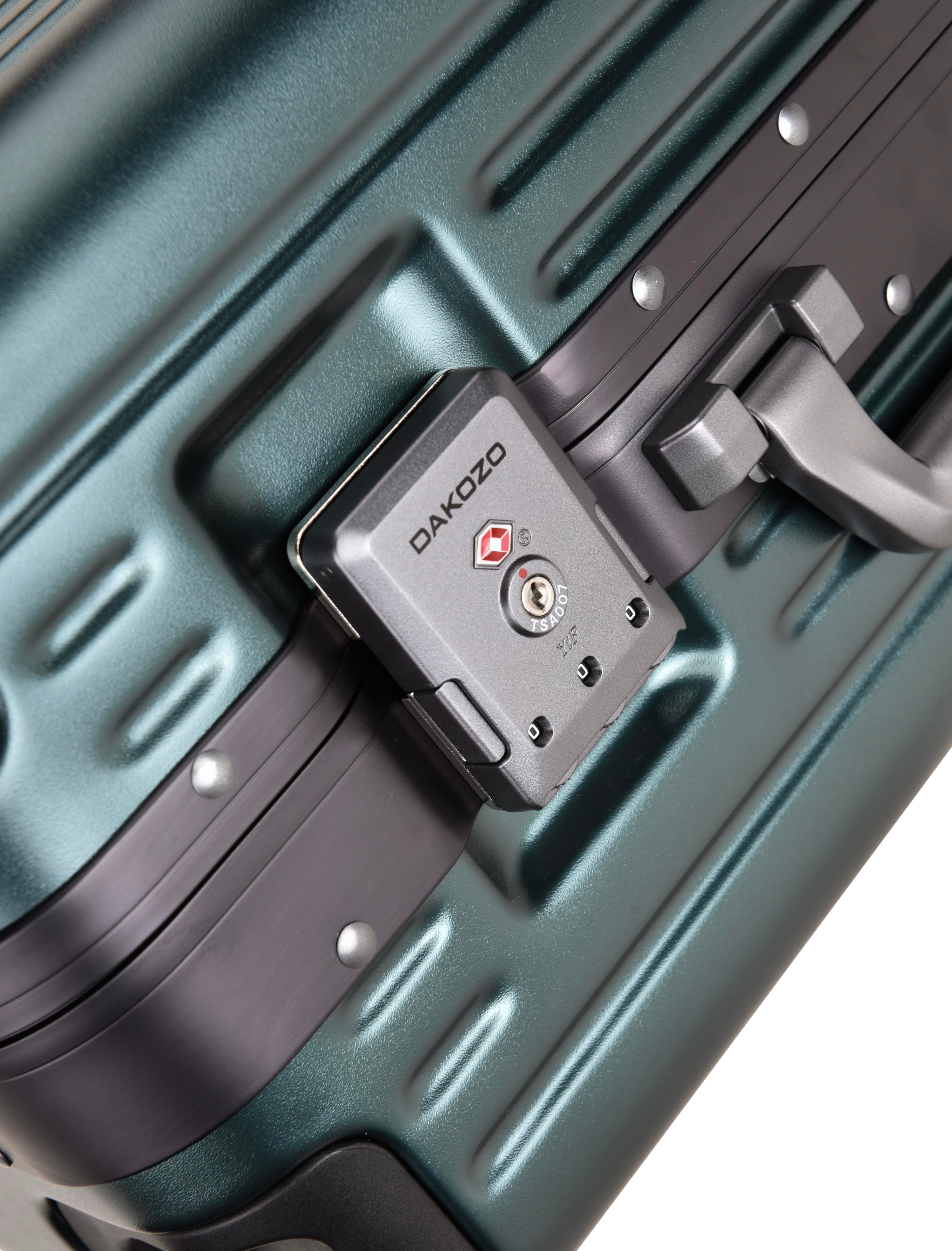
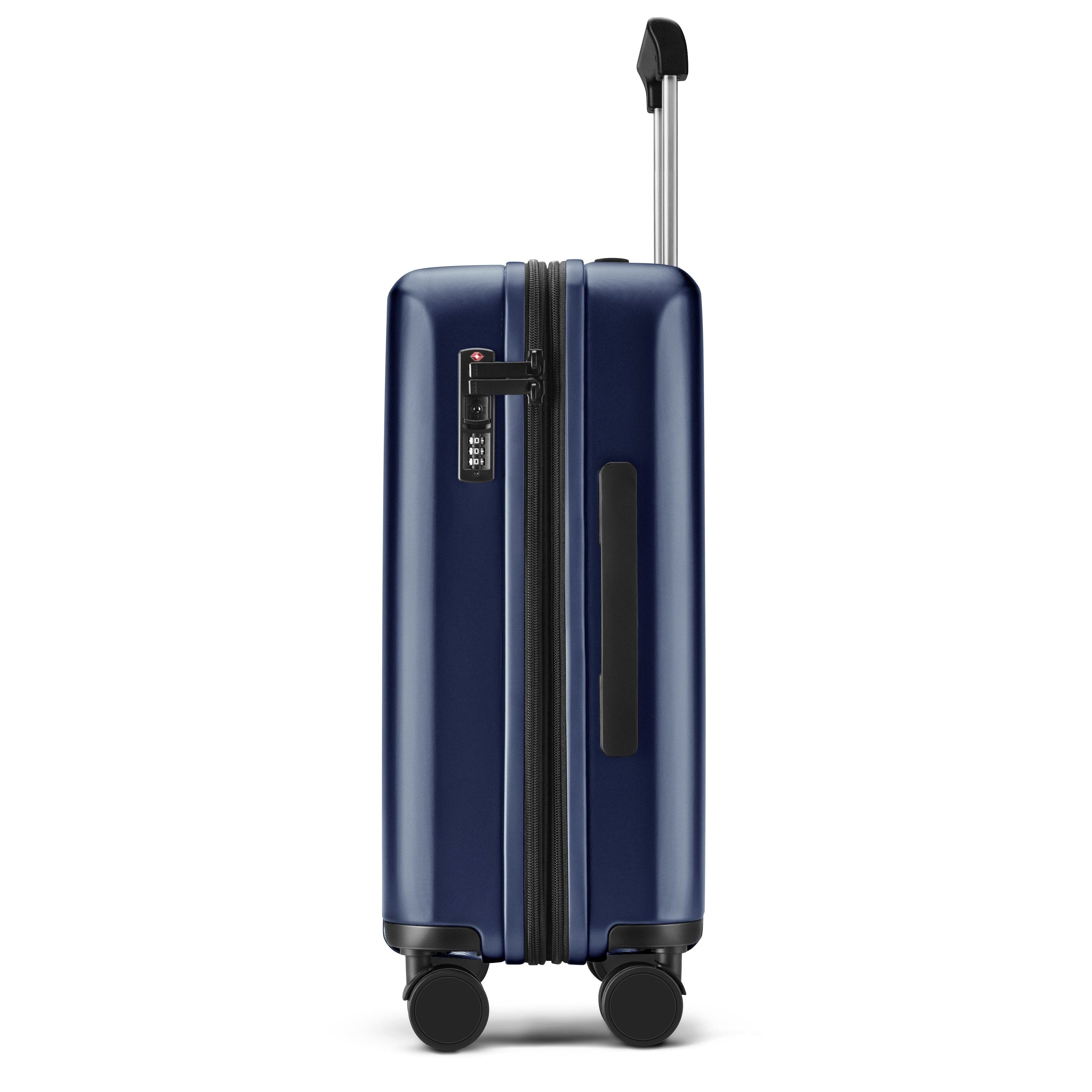
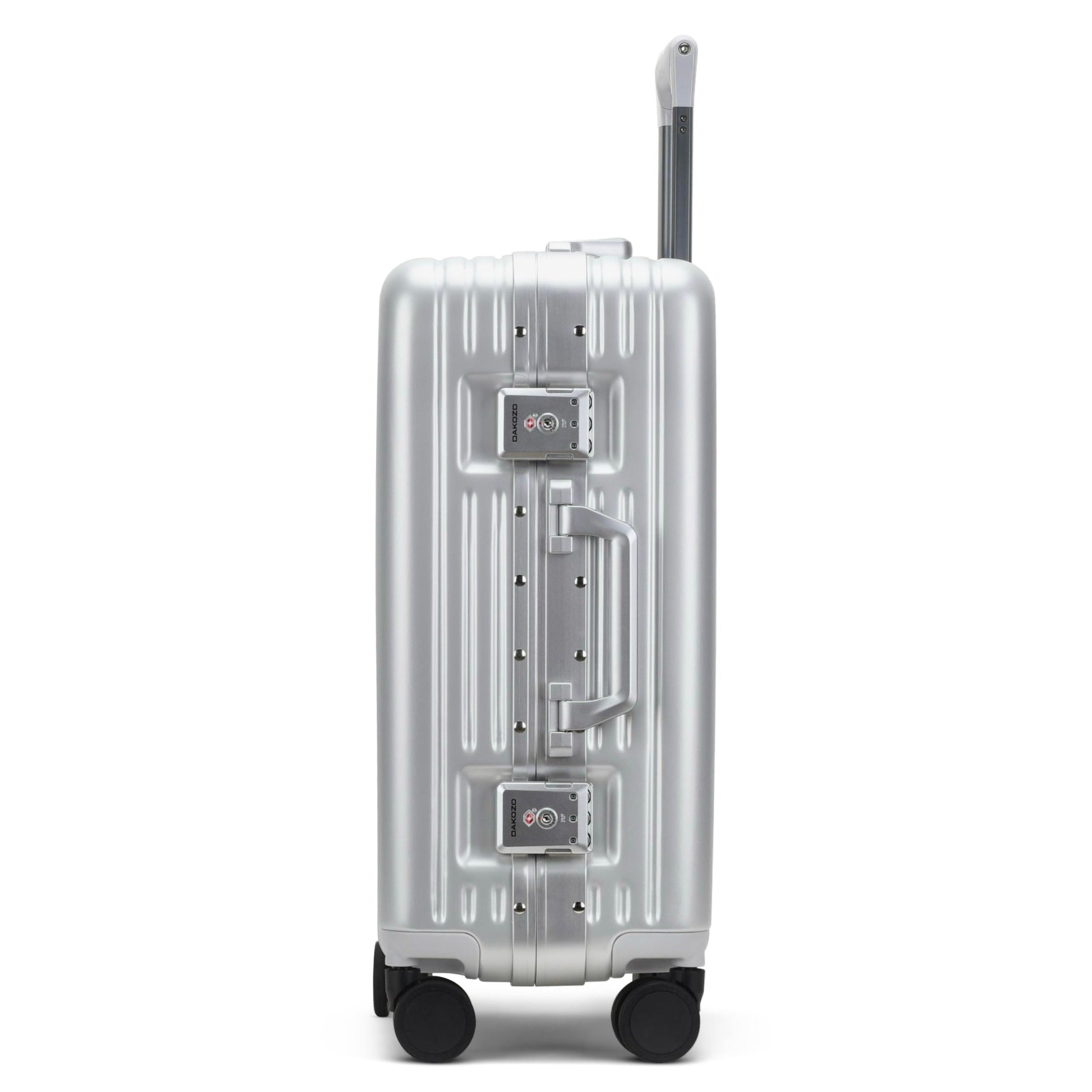
Alle DAKOZO koffers worden geleverd met een TSA-goedgekeurd combinatieslot, ingesteld op 0-0-0. We raden aan het kofferslot in te stellen op je eigen persoonlijke 3-cijferige combinatie.
Beide DAKOZO Zen series en Bold series koffers zijn voorzien van geïntegreerde TSA-sloten voor veilig reizen. Je koffer blijft tijdens je reis veilig op slot. Indien nodig kunnen bevoegde luchthavenbeveiligers het slot met een speciale TSA-sleutel openen om je bagage te controleren, zonder het slot te beschadigen.
Hieronder lees je de instructies stap voor stap hoe je het TSA-cijferslot van je DAKOZO-koffer instelt of reset, met aparte instructies voor de Zen series en de Bold series koffers.

Zen Series - TSA-slot instellen
Stap 1
Stel de cijferwieltjes (A) in op 0-0-0.

Zen Series - TSA-slot instellen
Stap 2
Druk met een pen op de resetknop totdat
je een klik hoort.
Draai de cijferwieltjes naar je
gewenste combinatie.

Zen Series - TSA-slot instellen
Stap 3
Schuif de knop naar rechts.
De resetknop keert terug naar zijn oorspronkelijke positie
zodra je weer een klik hoort.
Klaar! Je nieuwe combinatie is nu ingesteld.


Bold Series - TSA-slot instellen
Stap 1
Zet de cijferwieltjes op 0-0-0. Druk vervolgens op de twee knoppen aan de zijkant om de koffer te openen.

Bold Series - TSA-slot instellen
Stap 2
Aan de achterkant van elk slot vind je een kleine resetknop.
Schuif de knop van OFF naar SET.

Bold Series - TSA-slot instellen
Stap 3
Draai de cijferschijven naar de gewenste combinatie.
Schuif vervolgens de resetschakelaar van SET terug naar OFF. Klaar!
Je nieuwe combinatie is nu ingesteld.

DESIGNED IN LONDEN
Zorgvuldig gemaakt in kleine batches om een hoge kwaliteit en aandacht voor detail te garanderen

LIFETIME GARANTIE
Dekt alle functionele schade die tijdens normaal gebruik ontstaat

KLANTENSERVICE
Directe persoonlijke hulp van ons interne team bij al je vragen