

TSA Lock Instructions Suitcase
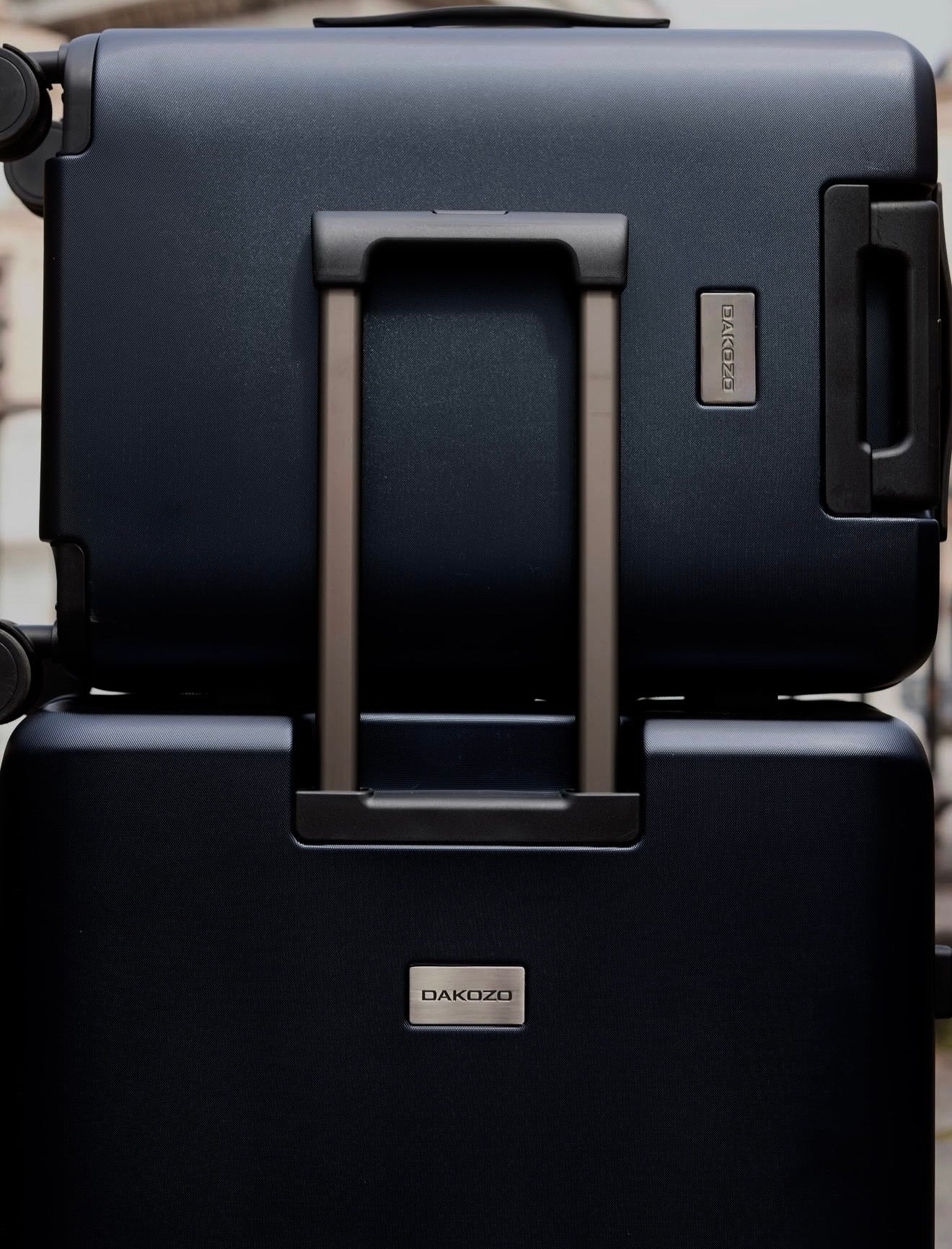
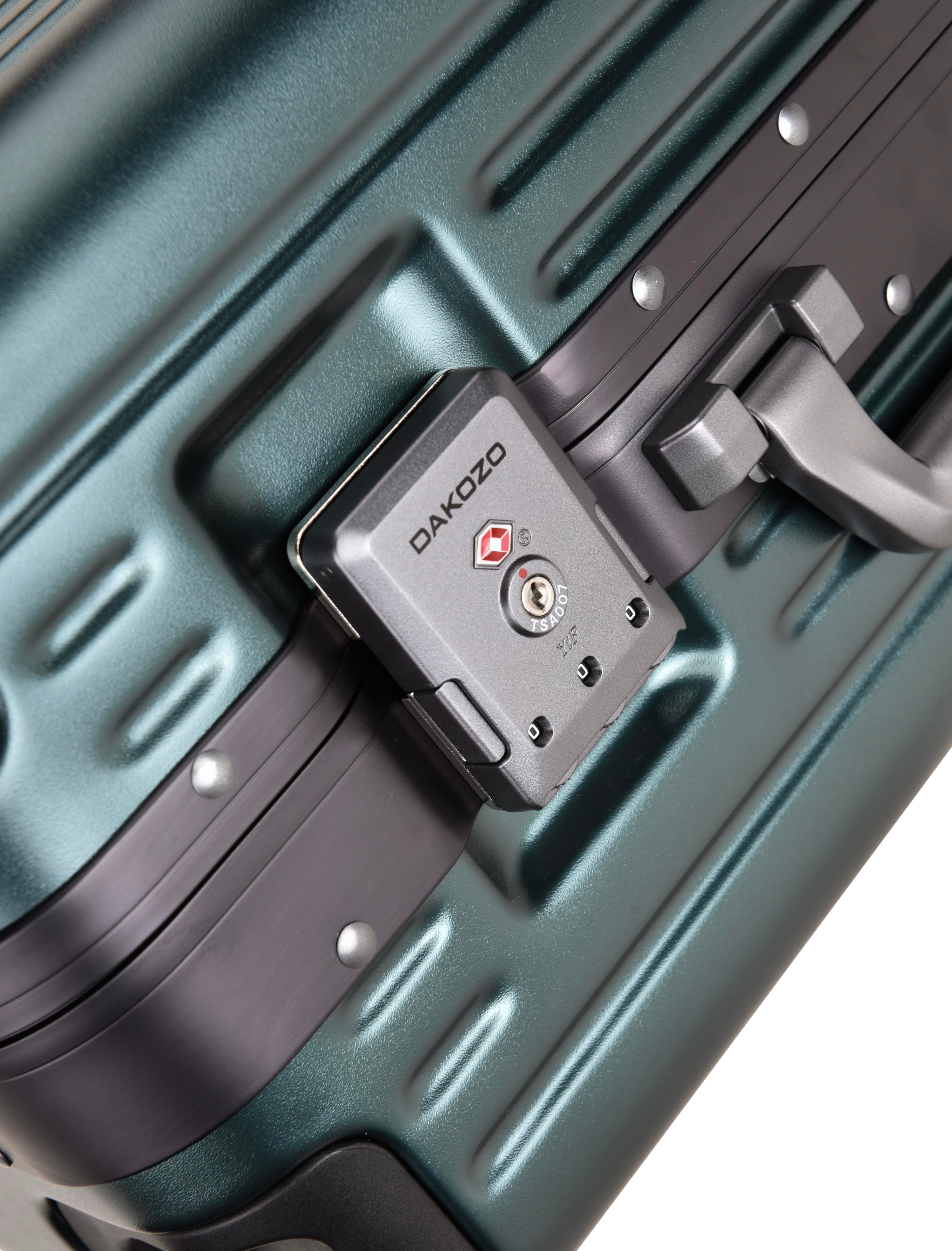
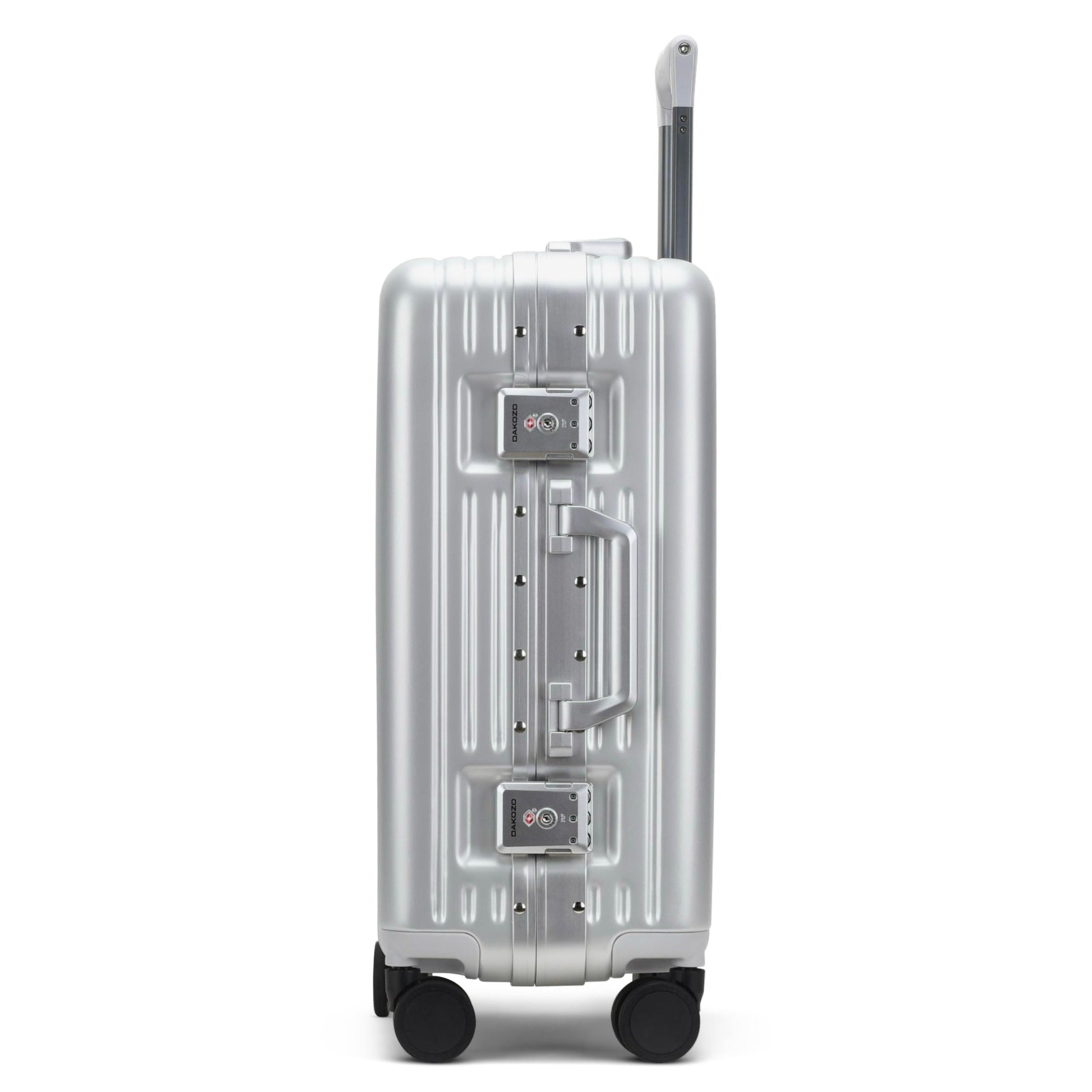
All DAKOZO suitcases come with a TSA-approved combination lock, factory-set to 0-0-0. Before your first trip, we recommend setting your suitcase lock to your own personal 3-digit combination.
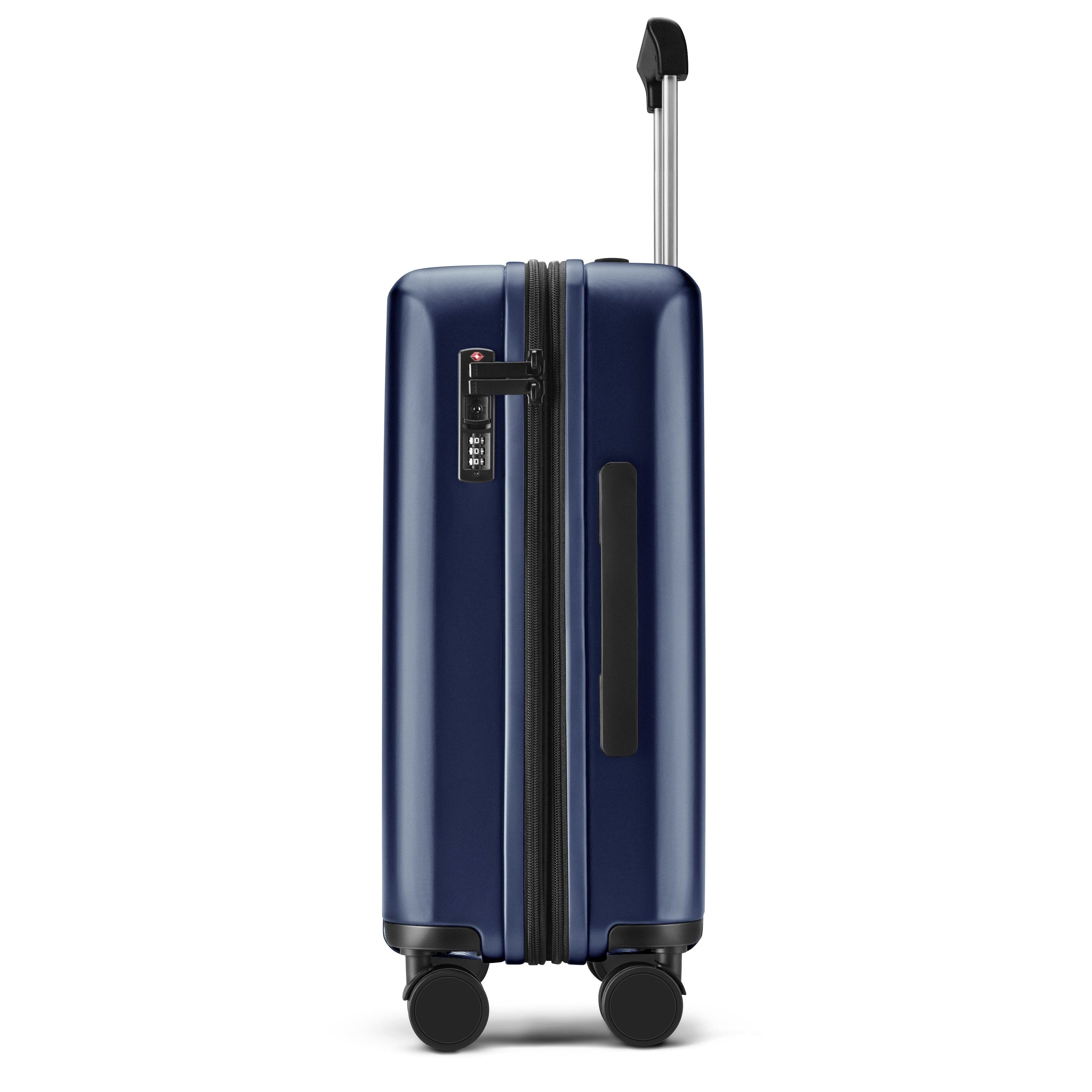
Both the DAKOZO Zen Series and Bold Series suitcases feature integrated TSA locks designed for secure travel. Your suitcase can remain locked during your journey, while authorised airport security can use a special TSA key to inspect your luggage when required without damaging the lock.
Below you'll find simple step-by-step instructions on how to set or reset the TSA combination lock on your DAKOZO suitcase, including separate instructions for the Zen Series zipper lock and Bold Series TSA lock.

Zen Series - TSA Lock Set Up
Step 1
Set the number wheels (A) to 0-0-0..

Zen Series - TSA Lock Set Up
Step 2
Use a pen to press the reset button until
you hear a click.
Turn the number wheels to your
desired combination.

Zen Series - TSA Lock Set Up
Step 3
Slide the button to the right.
The reset
button will return to its original position
once you hear another click.
Done! Your new combination is now set.


Bold Series - TSA Lock Set Up
Step 1
Set the number dials to 0-0-0. Then press the two side buttons to open the suitcase.

Bold Series - TSA Lock Set Up
Step 2
On the backside of each lock, you will find a small reset switch button.
Slide the button from OFF to SET.

Bold Series - TSA Lock Set Up
Step 3
Turn the number dials to your desired combination.
Then slide the reset switch from SET back to OFF. Done!
Your new combination is now set.

DESIGNED IN LONDON
Carefully made in small batches to ensure high quality and attention to detail

LIFETIME GUARANTEE
Covering all functional damage that occurs during normal use

CUSTOMER SERVICE
Direct personal assistance from our in-house team for any question